Use DreamFace AI when you want a photo to talk, sing, or dance. Choose Reface if you want to put a face into a different image or clip. Choose Bad Times Dance when you already know the dance you want and need a short vertical clip from one photo. Bad Times Dance publishes this comparison.
| Tool | Best for | What you start with | What you make |
|---|---|---|---|
| DreamFace AI | Trying several animation styles or making a talking photo | A photo plus a template or script, depending on the tool | A dance, talking portrait, or avatar clip |
| Reface app | Swapping a face into an image or a clip | A clear face photo and an existing scene or effect | A face swap or avatar. Reface also offers web photo animation through Unboring. |
| Bad Times Dance | Making a short Bad Times dance clip | One photo and the built-in dance reference | A five-second vertical MP4 with the Classic style |
When to choose DreamFace AI
DreamFace is the better fit when the motion depends on what you want the subject to say, sing, or perform. Its dance templates start from a still image, while its avatar tools serve a different job: making a character speak from a script. Start with the DreamFace dance tool or its avatar generator.
When to choose the Reface app
Choose Reface when you already have a scene in mind and want to change whose face appears in it. The Reface product site lists face swap and avatars for the app. For photo animation in a browser, Reface has a separate Unboring animator with singing and dancing templates.
When to choose Bad Times Dance
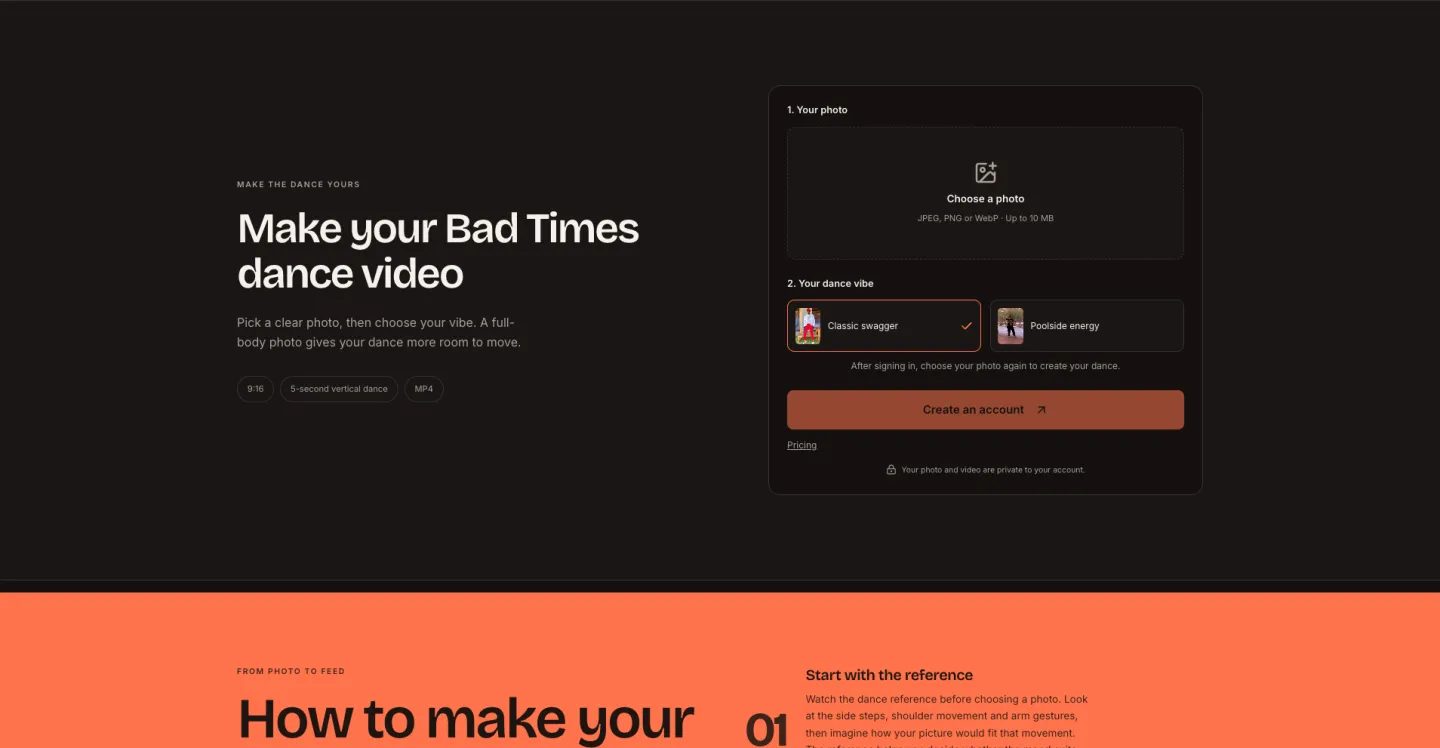
Choose Bad Times Dance when the choreography is already decided. Start with a clear full-body photo with room around the arms and legs. The Classic option makes a five-second vertical MP4. Sign in to create the clip. Check pricing for the current single-clip price. Use a photo of yourself or someone who gave you permission.